Bowes IT celebrates Canada Day!
  • Services
    • Managed IT Services in Niagara
    • Backup & Disaster Recovery
    • Cloud & Microsoft 365
    • Cybersecurity Services in Niagara
    • IT Helpdesk & Remote Support in Niagara
    • Networking & VoIP
  • Service Areas
    • Niagara Region IT Support
    • St. Catharines IT Support
    • IT Support in Niagara Falls, Ontario
    • IT Support & Managed Services in Welland, Ontario
  • About Us
    • The Bowes IT Difference
      • Business First IT
      • Cutting Through the Noise
    • Vision & Mission
    • Experience Matters
    • FAQs
    • Contact Us
  • Getting Started
    • Are We a Good Fit?
    • Before We Meet
    • What Happens Next?
    • Welcome to Bowes IT
  • Tech News

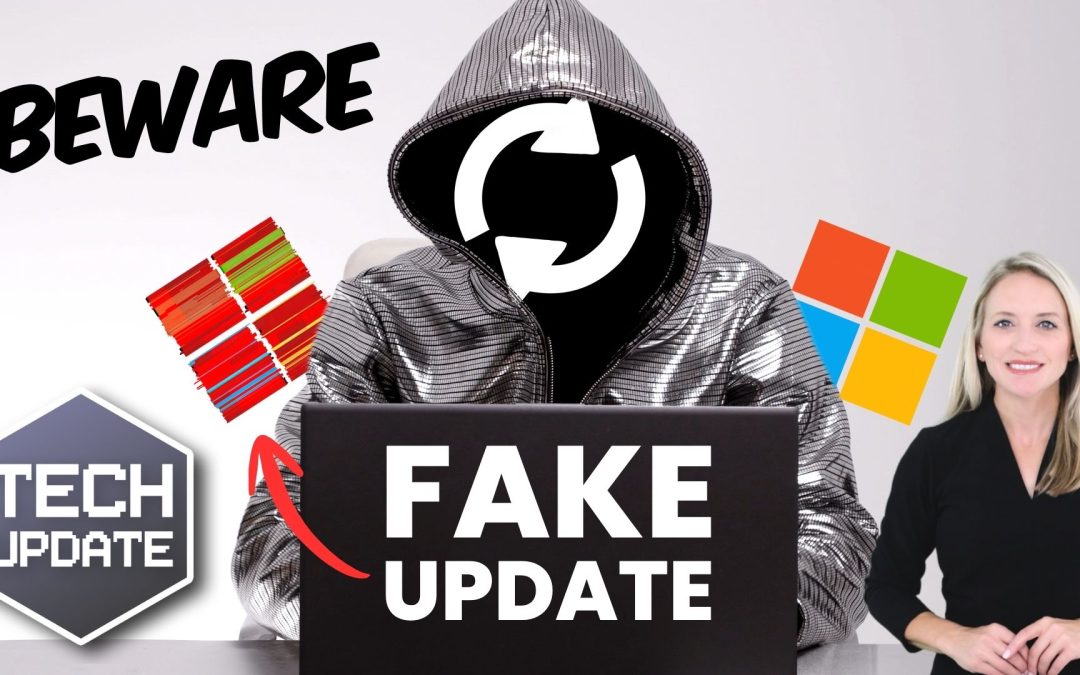
Beware this fake Windows 11 update

by Glen | Aug 3, 2026 | Tech Update

Beware this fake Windows 11 update

You probably don’t think twice when you see a Windows update.

A quick click, a short wait and the job’s done.

It’s one of those routine things that feels safe by default.

After all, updates are there to protect your system, not cause problems.

That’s exactly why this latest scam is catching people out.

There’s a fake Windows 11 update doing the rounds that looks almost identical to the real thing.

The page is designed to look like an official Microsoft support site, right down to the layout and language. At a glance, there’s nothing obvious that gives it away.

It presents what appears to be a normal update for Windows 11 and invites you to download it.

But click the button, and you’re not installing an update.

You’re installing malware.

Now, here’s where it gets a bit more concerning.

It isn’t a rough, badly put-together scam. The file itself is built using legitimate tools that developers use every day.

It’s packaged in a way that looks genuine, with familiar labels and properties that suggest it’s from Microsoft.

Even security software can struggle to flag it straight away, because on the surface, everything checks out.

Attacks have evolved.

In the past, fake updates were easier to spot. The designs were poor, the wording odd… something always felt off.

But now, they’re designed to blend in.

Updates often happen quickly and without much thought. Someone on your team sees a prompt, clicks to install, and carries on with their day.

That habit is normally fine.

But when attackers start mimicking trusted processes, that same habit becomes a risk.

So, what’s the safer approach?

Keep updates inside Windows.

If you’re using Windows 11, the safest place to manage updates is through the built-in Settings app. That’s where genuine updates are delivered and installed.

If you ever need to download something manually, go directly to Microsoft’s official website rather than following links from emails or unfamiliar pages.

It’s also worth reminding your team of a simple rule: If something unexpected appears asking you to install an update, pause and double-check before doing anything.

You don’t want to make your team paranoid. But they do need to recognize that even the most routine actions can be turned into an entry point if the timing and presentation are convincing enough.

The more normal something looks, the less likely people are to question it. And attackers are counting on that.

If you’d like some simple ways to reduce this kind of risk, we can help. Get in touch.

Google
ExcellentGoogle star 1Google star 2Google star 3Google star 4Google star 55.072 reviews
5.0Google star 1Google star 2Google star 3Google star 4Google star 5
Excellent72 reviews
Write a review
Posted on Google Google
Christine Raby profile picture
Christine Raby
23 days ago
Google star 1Google star 2Google star 3Google star 4Google star 5Trustindex verifies that the original source of the review is Google.
Janika is so patient and kind. I love working with her!! Highly recommend
Posted on Google Google
Rejeanne Robichaud profile picture
Rejeanne Robichaud
35 days ago
Google star 1Google star 2Google star 3Google star 4Google star 5Trustindex verifies that the original source of the review is Google.
Excellent team
Posted on Google Google
Rochelle Wiley profile picture
Rochelle Wiley
63 days ago
Google star 1Google star 2Google star 3Google star 4Google star 5Trustindex verifies that the original source of the review is Google.
Janika is the best :)
Posted on Google Google
B Beaudoin profile picture
B Beaudoin
63 days ago
Google star 1Google star 2Google star 3Google star 4Google star 5Trustindex verifies that the original source of the review is Google.
Nathan at Bowes IT was great, helped get a few things fixed quickly that I needed and gave some great pointers on a few other issues. Thanks Nathan!!
Posted on Google Google
Rhonda Gletherow profile picture
Rhonda Gletherow
93 days ago
Google star 1Google star 2Google star 3Google star 4Google star 5Trustindex verifies that the original source of the review is Google.
Andrew was fantastic, he took care of my connection issue quickly. He's an absolute pleasure to deal with.
Posted on Google Google
Maureen Mueller-Parker profile picture
Maureen Mueller-Parker
143 days ago
Google star 1Google star 2Google star 3Google star 4Google star 5Trustindex verifies that the original source of the review is Google.
Andrew was in our office to replace our computer systems, and he did a perfect job. He was professional, helpful and patient. He had us up and running in no time, with no major issues and no down time.
Posted on Google Google
Susan Atkinson profile picture
Susan Atkinson
176 days ago
Google star 1Google star 2Google star 3Google star 4Google star 5Trustindex verifies that the original source of the review is Google.
Very helpful resolved my issues within mins
Posted on Google Google
Donna Bastien profile picture
Donna Bastien
179 days ago
Google star 1Google star 2Google star 3Google star 4Google star 5Trustindex verifies that the original source of the review is Google.
on time and very helpful
Posted on Google Google
Sue Wedsworth profile picture
Sue Wedsworth
191 days ago
Google star 1Google star 2Google star 3Google star 4Google star 5Trustindex verifies that the original source of the review is Google.
Glen Bowes and his technician Nathan Miller were really great at putting my mind at ease after an interaction with a fraudulent website. After connecting with Glen he put my mind at ease but still sent out Nathan to do a remote system check and install Malware to ensure all was in order. For fast and thorough service that gives you ultimate peace of mind and security, connect with BowesIT!
Posted on Google Google
Trillium United Church profile picture
Trillium United Church
205 days ago
Google star 1Google star 2Google star 3Google star 4Google star 5Trustindex verifies that the original source of the review is Google.
Andrew saved the day again! Thanx Andrew!!!
Load more
Verified by Trustindex
Trustindex verified badge is the Universal Symbol of Trust. Only the greatest companies can get the verified badge who has a review score above 4.5, based on customer reviews over the past 12 months. Read more

Niagara's Managed Services Provider - Bowes IT Solutions

Reliable, fully managed IT that keeps your team focused, drives unforgettable customer experience, and helps your business grow effortlessly.



289-479-5606



info@bowesit.com

Service Areas

  • Niagara Region
  • Niagara Falls
  • Welland
  • St. Catharines

Careers

  • IT Support Technician
  • Contractor Application
  • Work with Bowes IT

Recent Posts

Should your business use an AI voice assistant?

Should your business use an AI voice assistant?

Sep 7, 2026 | Tech Update

© 2026 All Rights Reserved By Bowes IT Solutions

  • Follow
  • Follow
  • Follow
  • Follow
  • Follow